Snake Games
EN
Play

Free snake apple game · No ads

Play the Classic Snake Game Online for Free

The snake game you remember, right in your browser: eat apples, grow longer and don't bite your own tail. When you want more, guide a hungry little worm through 60 puzzle levels in five painted worlds.

  • 60 levels
  • 5 worlds
  • Classic snake
  • 8 challenge modes
  • 20 languages

Play the snake game online

On a computer use the arrow keys or WASD. On a phone, swipe or tap the arrows on the screen.

Full screen

A snake apple game with a puzzle twist

Your worm is also your tool. Every apple makes it one segment longer, and that length decides a lot: a long worm can bridge a gap or curl around a ledge, while a short one slips through places where a long one gets stuck. Nothing holds the worm in the air, so every step over an edge ends in a drop.

Levels are short and calm and have no timer. You can undo any move, restart with one tap or ask for a hint when you are stuck. Stars reward the shortest route, and every level hides a golden seed for players who like to look around.

A snake apple game with a puzzle twist

Snake game app for Android and iPhone

It is the same game as on this page, packed into an app. It runs full screen on any phone and keeps your progress on the device.

Android

APK · 14 MB · Android 7 or newer

Download the APK and open it on your phone. Android will ask for permission to install apps from outside Google Play. If Play Protect says it does not know the developer yet, tap "More details" and then "Install anyway".

Download APK

iPhone and iPad

iOS · iPadOS

The App Store version is on its way. Until then, open this page in Safari, tap Share and choose "Add to Home Screen". The game then opens full screen, like an app.

Coming to the App Store

About the snake game

How to play the snake game

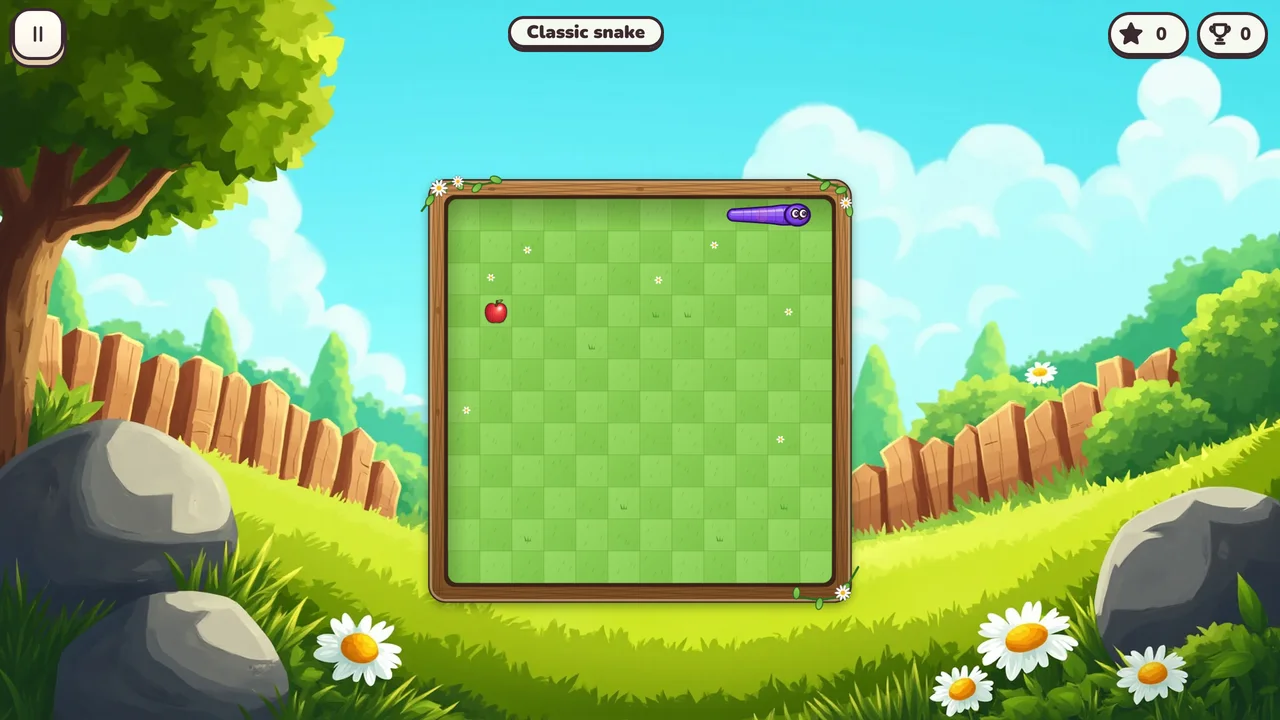
In the classic snake game you steer a snake around a board and eat the apples that appear on it. Every apple makes the snake one segment longer and adds to your score. The game ends when the snake runs into a wall or bites its own tail, so the longer it grows, the more carefully you have to plan each turn.

On a computer you steer with the arrow keys or WASD. On a phone or tablet you swipe in the direction you want to go or tap the arrows on the screen. Before a classic game you pick the fruit the snake eats: apple, strawberry, cherry, orange, banana, watermelon, grapes or pear.
How to play the snake game

How to beat the snake game

Keep the snake close to the edges and move in long, even lines instead of chasing every apple straight away. Leave yourself a way out before each turn, because a snake that curls into its own body has nowhere to go. When the snake gets long, sweep the board in rows and the tail will follow your path safely.

Start on the small board at a calm speed and move up when you are ready. In the challenge modes the rules change: with no borders the snake comes out on the other side, bricks and poison fill the board, portals jump you across it and speed-up makes the snake faster with every fruit. The game keeps your best score for every mode, board size and speed.

  • Garden
  • Cave
  • Old Mill
  • Sky Islands
  • Volcano

How a level works

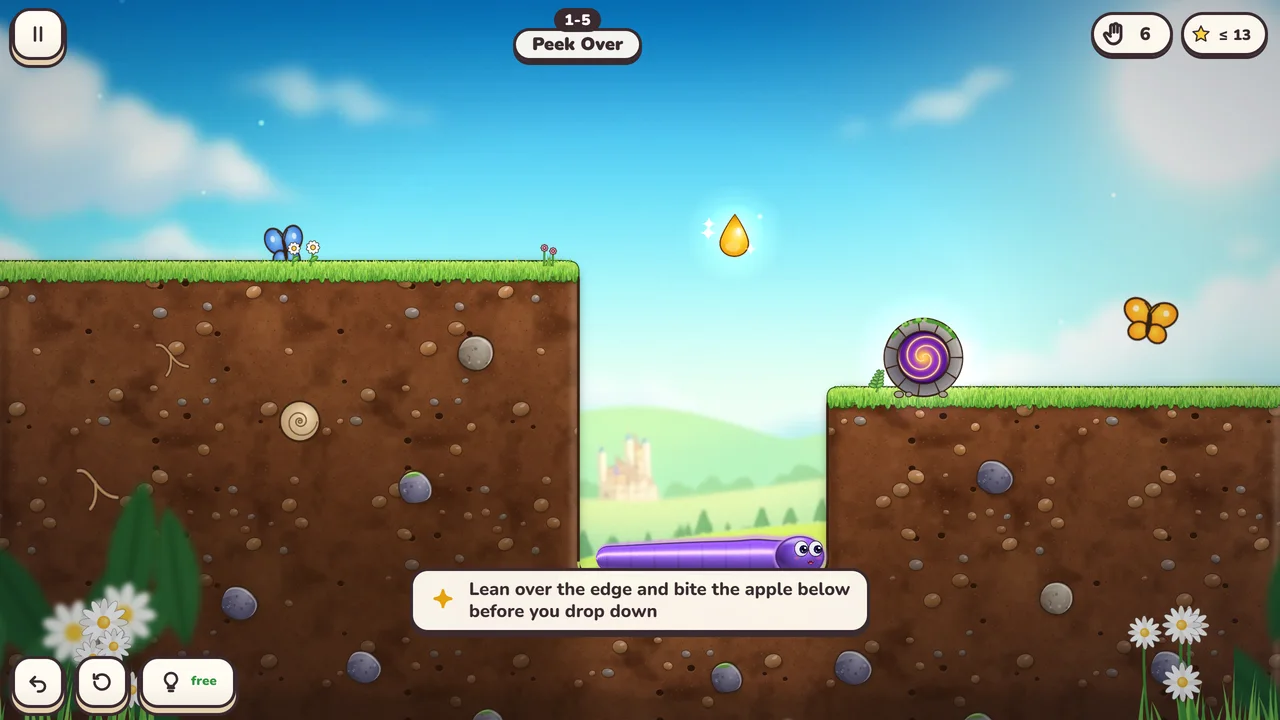
Each level is a small side-view garden with a burrow somewhere in it. You move the worm one cell at a time, and the rest of the body follows the head. The goal is simple: bring the head to the burrow.

Gravity is what turns it into a puzzle. If no part of the worm rests on ground, a stone or a fruit, the whole worm falls. A fruit you stand on works as a bridge until you eat it. A pit that is too wide for a short worm gets easy after one more apple, and a deep hole that traps a long worm can be the only way through for a short one.

Five worlds, twelve levels each

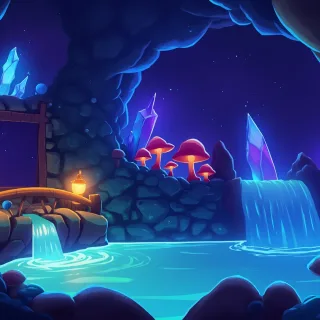
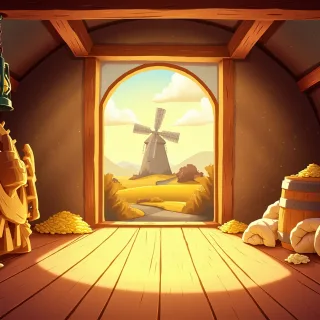
The adventure starts in the Garden, where you learn to crawl, eat and fall. The Cave adds stones to push, and spikes that hurt the worm but hold a stone without trouble. In the Old Mill, cracked blocks break once you leave them, and a button keeps its gate open only while something presses it.

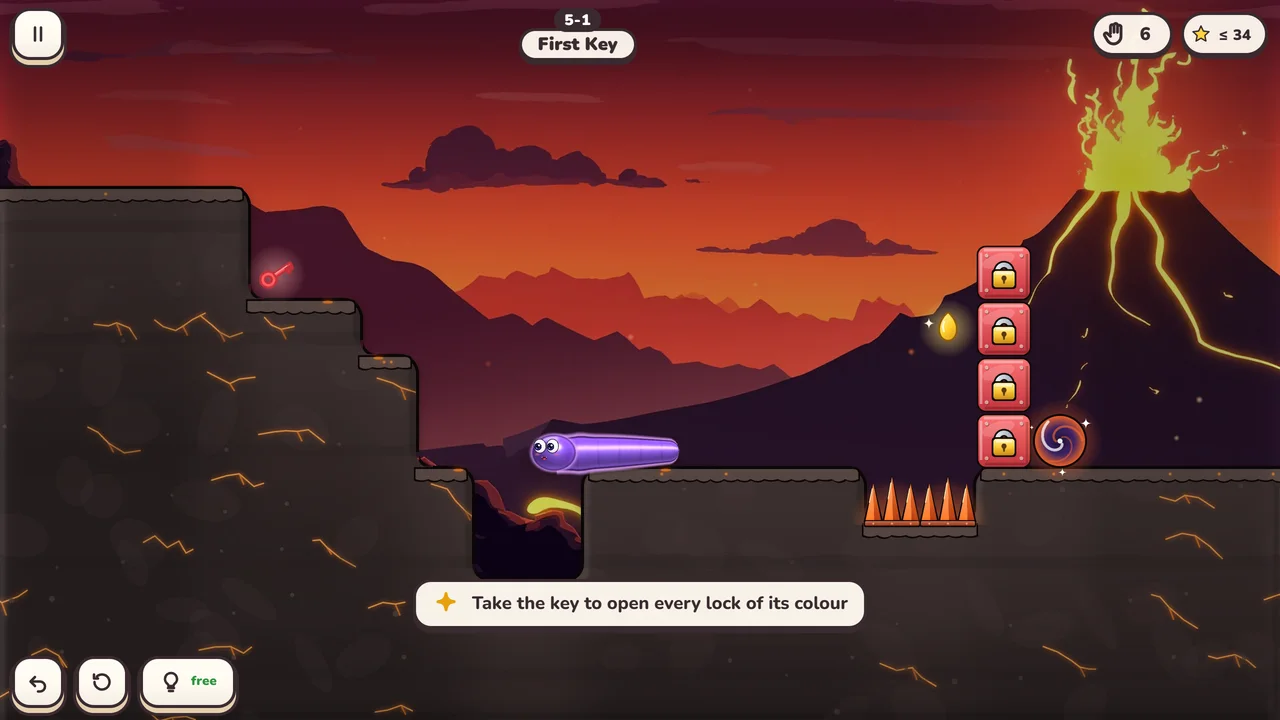
On the Sky Islands a glowing berry flips gravity, so the worm walks on the ceiling, and mushrooms make it shorter again. The Volcano brings coloured keys that open every lock of their colour and mixes in the tricks of the earlier worlds. Each new world opens once you have finished enough levels of the one before.
Five worlds, twelve levels each

Stars, golden seeds and the daily gift

Every level gives up to three stars, and you get all three by finishing it in few moves. Each of the 60 levels also hides a golden seed, usually a little off the obvious path. Coins come from levels, achievements and a daily gift, and 25 achievements wait to be completed along the way.
Stars, golden seeds and the daily gift

Classic snake and challenges

Classic mode is the snake game you already know: eat, grow and don't bite your own tail. Before you start you pick one of eight fruits, for example an apple, a strawberry, a watermelon or grapes. The board is small and the speed is calm, so younger players can keep up.

Challenges are for players who want more. There are eight rule sets: classic, no borders, bricks, portals, poison, flip-flop, speed-up and keys. You can play each of them on a small, medium or large board at a calm, normal or fast speed, and the game remembers your best score for every combination.

Make the worm yours

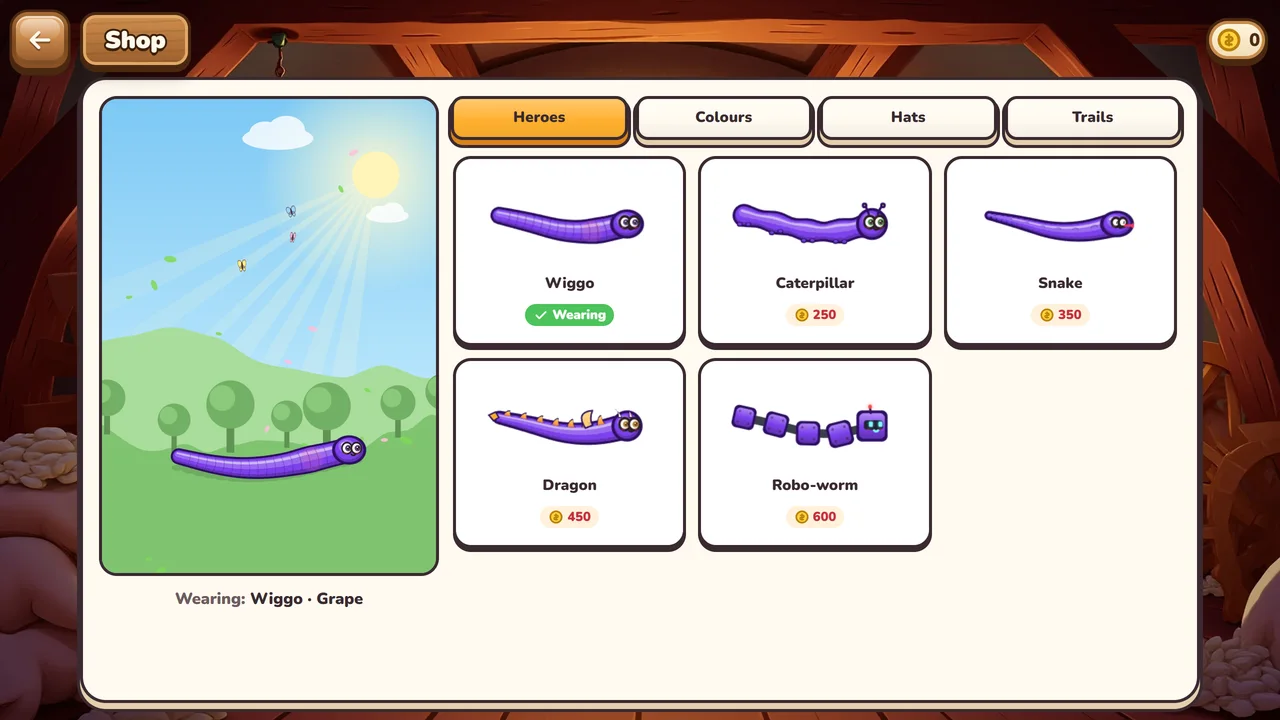
Coins buy new looks in the shop. You can play as Wiggo the worm, a caterpillar, a snake, a dragon or a robo-worm, and dress them in 25 colours, 19 hats (the unicorn horn is one of them) and 10 trails, among them a rainbow and fire that looks real. Everything in the shop is paid for with coins you earn in the game.

Made for families

Snake Games shows no ads, asks for no account and sells nothing for real money. Your progress is saved on the device you play on. The game speaks 20 languages, has its own soundtrack of 14 tracks and a setting for calmer animation, and you can play it with a keyboard, a mouse or touch.

Snake game: questions and answers

Can I play the snake game online for free?

Yes. Snake Games is free to play right here in the browser and in the Android app. There are no ads and nothing costs real money: you earn the coins for the shop by playing.

How do you play the snake game?

Steer the snake with the arrow keys, WASD or swipes. Eat apples to grow longer and avoid walls and your own tail. In the puzzle levels the worm also has to reach its burrow, and gravity makes it fall if nothing holds it up.

How do you beat the snake game?

Plan a few moves ahead, keep the snake near the edges and sweep the board in long rows once it gets long. Start on the small board at calm speed, then try the larger boards and faster speeds.

Do I need to sign up or install anything?

No. Press "Start the game" on this page and play. If you prefer an app, the Android APK is on this page, and on an iPhone you can add the page to your Home Screen.

Is it suitable for children?

Yes. The game has no chat, no account and no ads. Levels have no timer, you can undo every move, and the classic snake starts on a small board at a calm speed.

Is there a snake game app?

Yes, for Android: download the APK on this page. The iPhone app is coming to the App Store; until then you can play in Safari and add the page to your Home Screen.

How is my progress saved?

The game saves it automatically, on the device and in the browser you play in. If you clear the browser data or switch to another device, you start from the beginning.

I am stuck on a level. What can I do?

Undo a few moves or restart the level, then think about the length of the worm. Often you need to eat a fruit first, or keep it to stand on. If that does not help, use a hint, which shows the next move.

Why does Android warn me when I install the APK?

Android shows this for every app installed from outside Google Play when it does not know the developer yet. Tap "More details" and then "Install anyway". The APK on this page is the official build of the game.

Which languages does the game support?

English, German, Dutch, French, Swedish, Norwegian, Danish, Spanish, Brazilian Portuguese, Polish, Turkish, Indonesian, Malay, Filipino, Russian, Ukrainian, Arabic, Hindi, Japanese and Korean. You can switch the language at any time from the flag in the top bar of the main menu.